RADIO LOG
CAPF 110 hot log
Time, call, channel A–F, remarks. Stamp now. Zulu by default. Mark a line for ICS 214 without leaving the desk.
The mission comms desk for Civil Air Patrol. Log traffic in the dark station. When the mission needs paper, print CAP FORM 110 and ICS 214. Stays on this computer. No account. No cloud.
CAP Defender Logbook™ is a trademark of VossTek. Not an official Civil Air Patrol product. Copyright © 2026 VossTek. All rights reserved.
Written by Squall Voss, KD8PRQ, CAN DO 209 — Civil Air Patrol Captain. Runs in your browser on this computer at http://127.0.0.1:8770/
Time, call, channel A–F, remarks. Stamp now. Zulu by default. Mark a line for ICS 214 without leaving the desk.
Notable activities, decisions, equipment, and shift changes. Roster and resources fill block 6. The paper is the official form.
On-screen desk stays dark. The printer gets CAP FORM 110, SEP 14 and FEMA ICS 214. Save as PDF from the browser for WMIRS.
Mission number, squadron, charter, station, operating period. Designators A–F sit across the top of CAPF 110 — CC1, Air 1, Guard, TAC, Telephone, Liaison.
Hot log is built for the radio operator: date, HHMM, call, channel pill, remarks. Enter to save. Watch bill and ICS 214 run beside it.
Print CAPF 110, ICS 214, or both. Save this mission writes a JSON pack under data/missions/. The SQLite log never leaves the machine.
CAP Defender Logbook™ stores every mission in data/logbook.db on this computer. There is no signup and no remote account. A saved pack can be copied to another machine and imported. Full backup and restore live in Settings.
Logs that include mission activity should be kept with the mission file per CAPR 100-1 and CAPR 10-2. Default time is Zulu. Note the time zone on the first line of each day, as CAPF 110 requires.
This desk is for Civil Air Patrol, a volunteer nonprofit. Packs are a modest $1.00 USD each for Windows, macOS, and Linux — not the $19 Moonraker Logbook® station price.
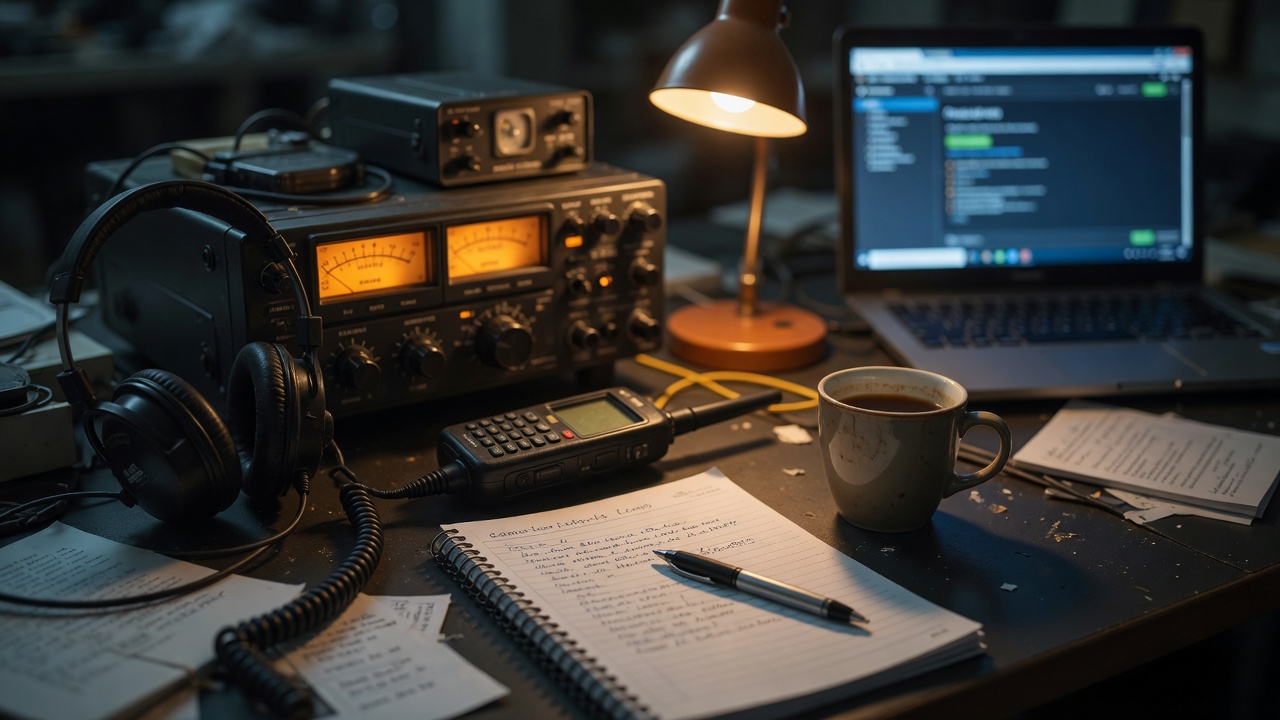
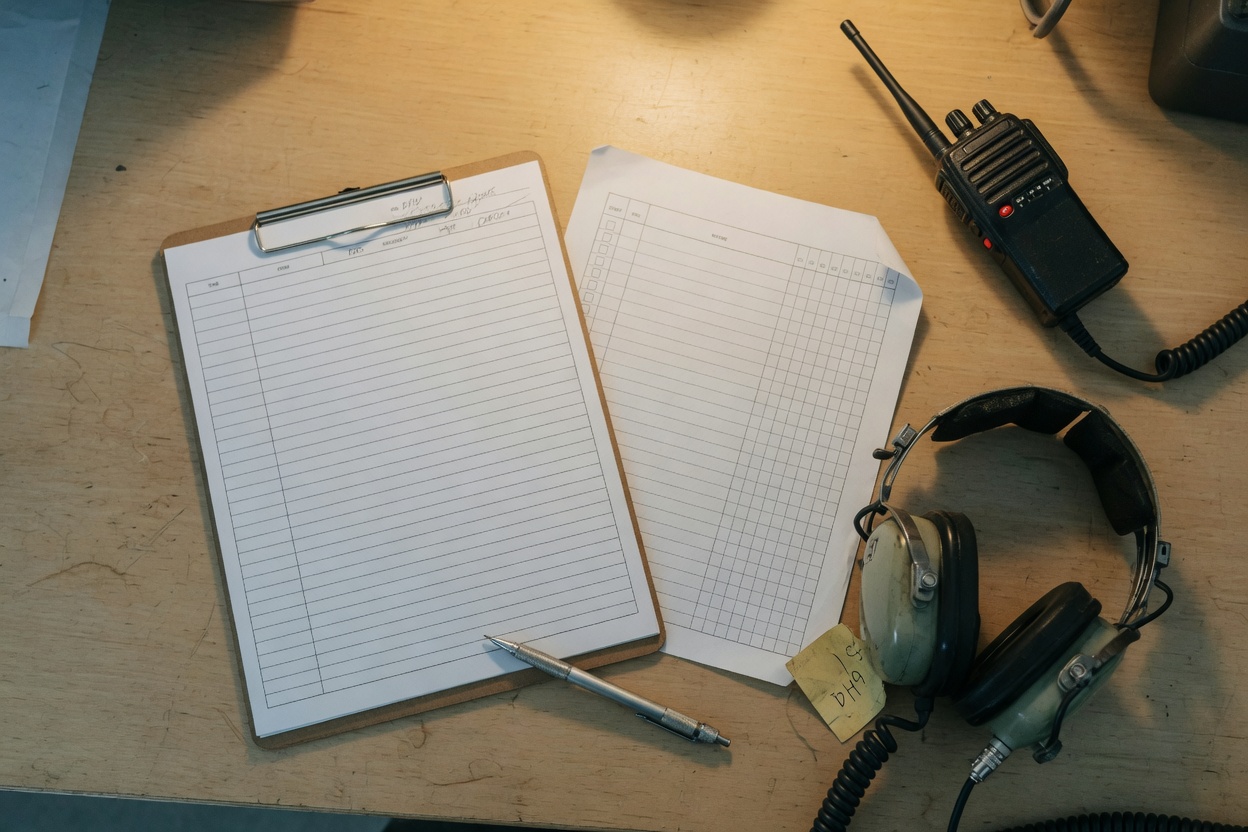
The on-screen log matches Moonraker Logbook® — dark station, Zulu clock, fast entry. When ICS or WMIRS needs a file, you print the official black-on-white forms:
Use the browser print dialog and choose the printer, or Save as PDF. First launch includes a sample SAREX so the desk, the log, and the print preview can be clicked through immediately.
CAP Defender Logbook™ is a trademark of VossTek. Unauthorized use is prohibited.
Copyright © 2026 VossTek. All rights reserved. This website and the CAP Defender Logbook software, including documentation, graphics, and source materials, are the exclusive property of VossTek and are protected by United States and international copyright and trademark laws.
Civil Air Patrol, CAP, CAPF, CAPR, WMIRS, and ICS 214 are marks or forms of their respective owners. CAP Defender Logbook is not an official Civil Air Patrol or U.S. Air Force Auxiliary product. Use does not imply endorsement.
Read the full legal notices